
Termius: A modern SSH Client
Forget that I ever mentioned SecureCRT

Monday 16th February 2026
Last week i wrote a short article about SecureCRT and why I like it. The universe answered back quickly and I stumbled upon Termius. I did not even look for any SSH client in particular. I was just watching a guy on Youtube installing Linux on his workstation for the first time.
Hilarious video btw. We have all been there.
So he just happens to mention an SSH client that I never heard about before (Termius) and I decided to test it… I was mindblown after just a few minutes! However, still not open source, but at least available on Linux.
First Impression
Benefits of Termius
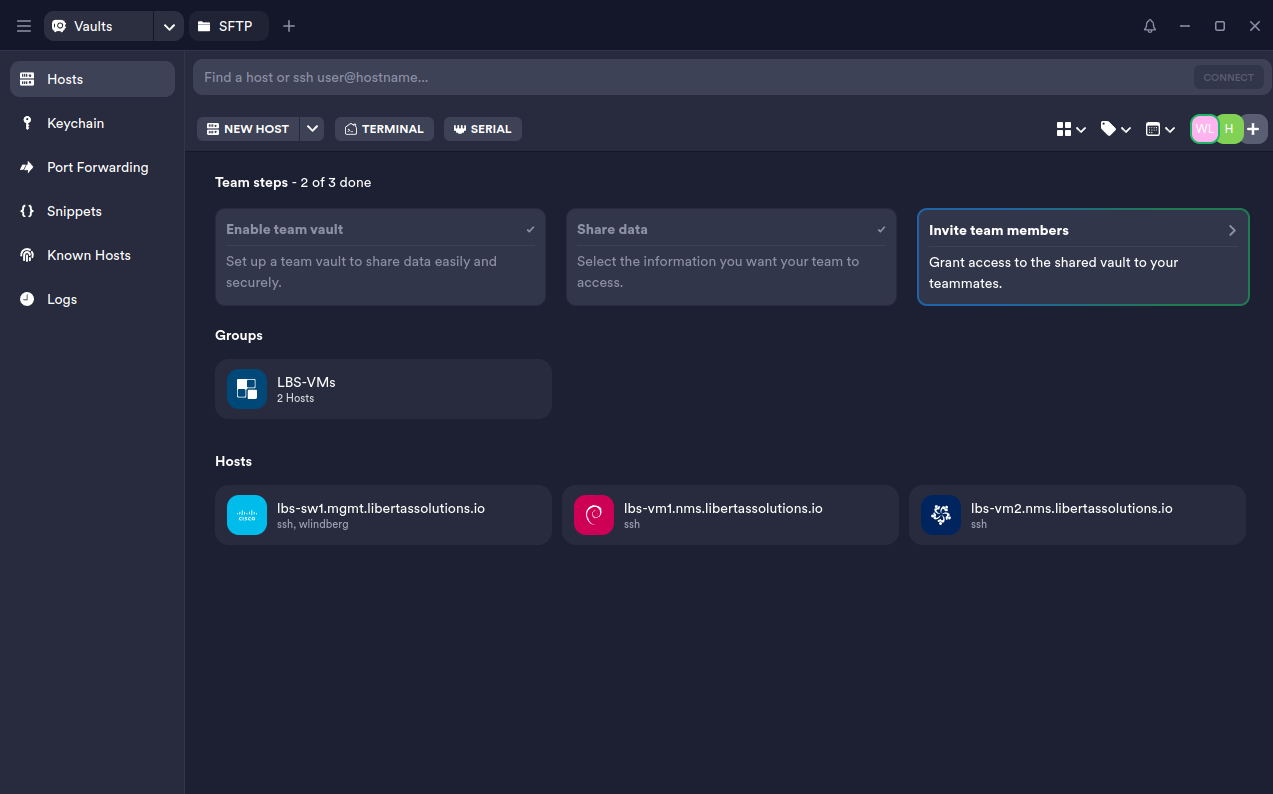
Extremely Intuitive
You probably can setup many of the same features in SecureCRT. However, everything is so easy in Termius. Their vault system makes it so much easier to share sessions and import/export SSH keys between clients and servers.
Nice GUI
SecureCRT has a nice GUI compared to many others. However, Termius is it’s own class. It looks and feels like a very modern tool, while SecureCRT feels, well, a little old school now.
End-to-End Encryption
This is great security wise because it means that even if all the sessions are stored in the cloud, only the end devices with the private key have access to the information. It makes it easier to trust the provider even if they are not an open source tool.
Drawbacks
Not Open Sourced
Not that SecureCRT is either. They do however endorse Open Source projects by handing out free business licenses to Open Source Projects, while not being open source themselves. Seems a bit hypocritical.
Quite Expensive
The free tier is not so bad but it can only be used for personal use.
If you want the full feature set you have to pay $30/month per user, which is questionable if it’s worth it, at least for me. For an enterprise of a certain size it’s probably not a problem.
Why does everything need to be cloud-based with a subscription nowadays? I would rather pay one time per license and then self-host the server.
Limited keyword highlighting
I was blown away how nice the terminal looked like when I opened a linux machine. That was until i opened a Cisco switch…
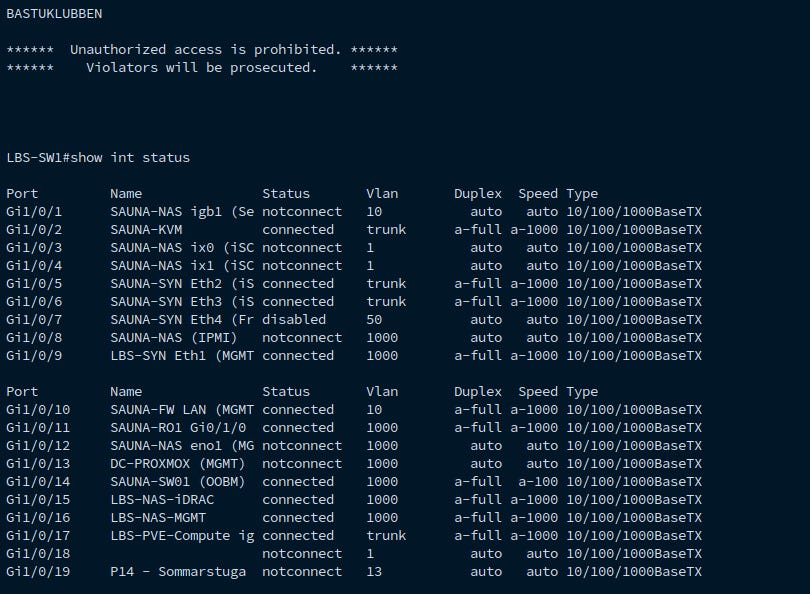
I immediately looked through settings to see if I could tweak the highlighting. I was disappointed to find that only some fixed keywords could be enabled.
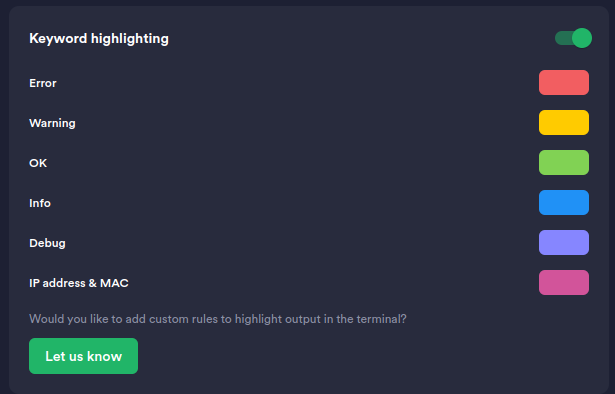
At least they had a button there so I could leave feedback. I basically said “Yes please, it’s very important to me”.
Testing some of the features
Setting up my first two hosts
This I liked very much with Termius. It was so easy to add SSH keys and hosts that I did it in a few minutes without having to look up any documentation.
The goal here is the setup a host so that it only takes one click + one tap on a yubikey to login to a terminal
Add FIDO2 Authentication
Navigate to Keychain. Here we can setup or FIDO2 login.
Give your key a recognizable Label and then click Generate. PIN code and passphrase are optional.
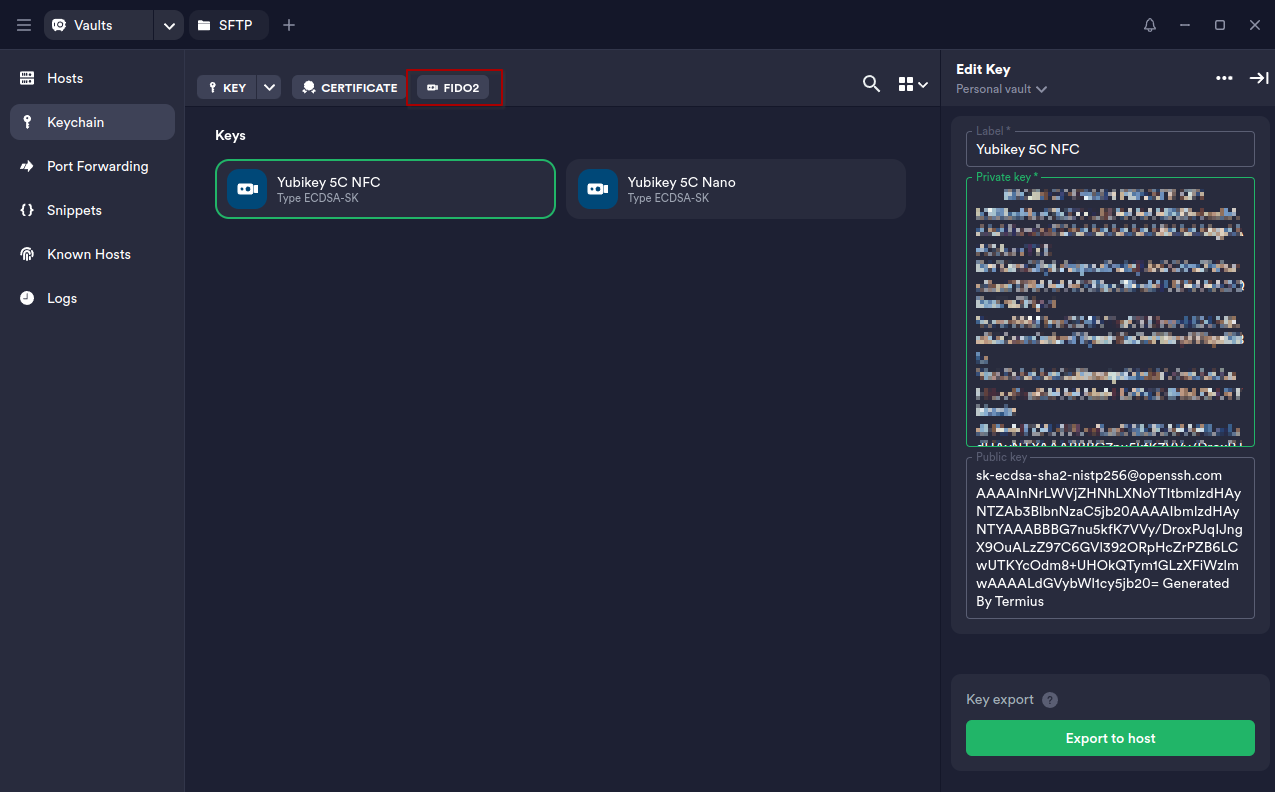
Then you can export the public key to a host through Termius. I once did a post about how to do this manually, but Termius just streamlines this workflow so perfectly!
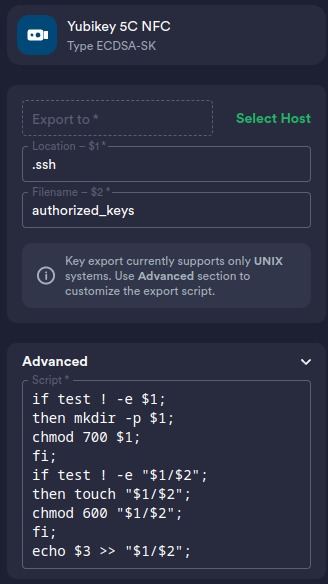
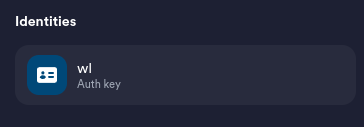
Termius notified me that I used the same credentials twice, so it asked me if I wanted to setup an identity that I can reuse for other hosts:
When you click export and attach, you have to type your password once, and Termius executes the script from the Advanced section so you don't have to add the public keys on the host yourself.
Connecting to a host
During the workflow when you setup your authentication key, you get to add it to your hosts. If you didn’t have any hosts setup beforehand, you get to do it right there. Once hosts and keys are setup, you just double click on your host and connect:
SFTP File Transfer
One feature I noticed and tried out was the SFTP client. This will come in handy for sure! Instead of manually have to open a terminal window in one of my directories, writing “scp example.txt lbs-vm1….” I can just drag and drop files to and from my hosts with their built-in SFTP client!
Conclusion
I used Termius for an hour and I really like it already. However, I’m using the trial version and I’m not sure if I’m willing to pay for this yet. If customizable keyword highlighting becomes supported, I might change my mind.
Although I would rather have something that is Open Source and able to self-host to keep the operational costs down. Actually, I might already have found something…